
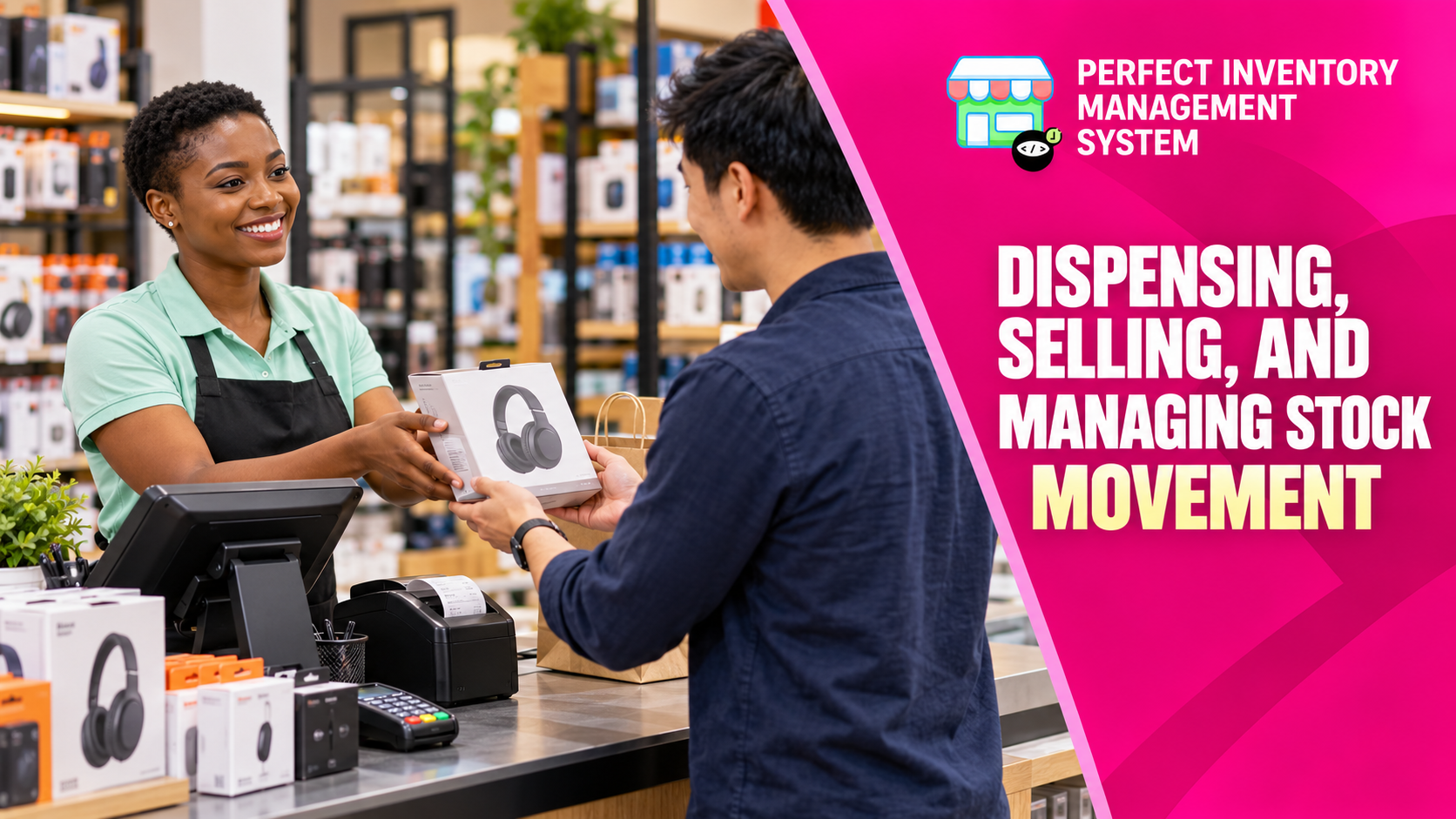
Record why stock leaves the store: a sale, internal use or the fulfilment of a bill. Choosing the correct action keeps quantity movements connected to the business event behind them.
Match the action to the movement
Dispensing records non-sale stock issues, such as internal consumption or donations. Selling Items uses the sales workflow with prices and discounts. Load Bill supports the warehouse side of a bill by identifying what needs to be picked and who collects it. These workflows serve different purposes, so review the source document and current status before recording a movement.
Step by step
Dispense non-sale items
Choose the items, quantities, recipient and useful notes. Review the batch selection: FIFO is the default, with manual selection available when needed.
Record a sale
Use Sell Items for a customer sale. Confirm quantities, prices and discounts, then complete the transaction through the sales workflow.
Load the bill for picking
Find the relevant bill by its ID or barcode. Review the listed products and record picked items using the available checkboxes and comments.
Document the handover
Record collector and storekeeper details where required and review the timestamps. Use comments to explain shortages or other differences between the bill and the physical handover.
A useful movement record explains the recipient, purpose and source document as well as the quantity.
Review sales and dispensing after the transaction
A walk-in product sale belongs in the POS workflow. Search or scan the item, check its quantity and price, add a customer if needed, then review the payment method and final bill before completing the sale. An internal issue or donation belongs in dispensing, with a recipient and purpose recorded instead of a customer sale.
The sales and dispense history views help you search by item, customer and period when checking what happened later. For a questioned bill, open its original record and review any return or correction there. Do not hide a return by manually increasing stock: the return should remain tied to the original movement.
- Example: a customer buys two notebooks and later brings one back. Find the sale and use its return workflow if appropriate; the sale, return and final stock position should tell the same story.
Before you move on
- Use dispensing for non-sale issues and sales for customer purchases.
- Check the batch before completing the movement.
- Record picking discrepancies and handover details.
Put the workflow into practice
Explore Perfect Inventory Management System and use these guides alongside your team’s daily work.
Open InventoryExplore the product