
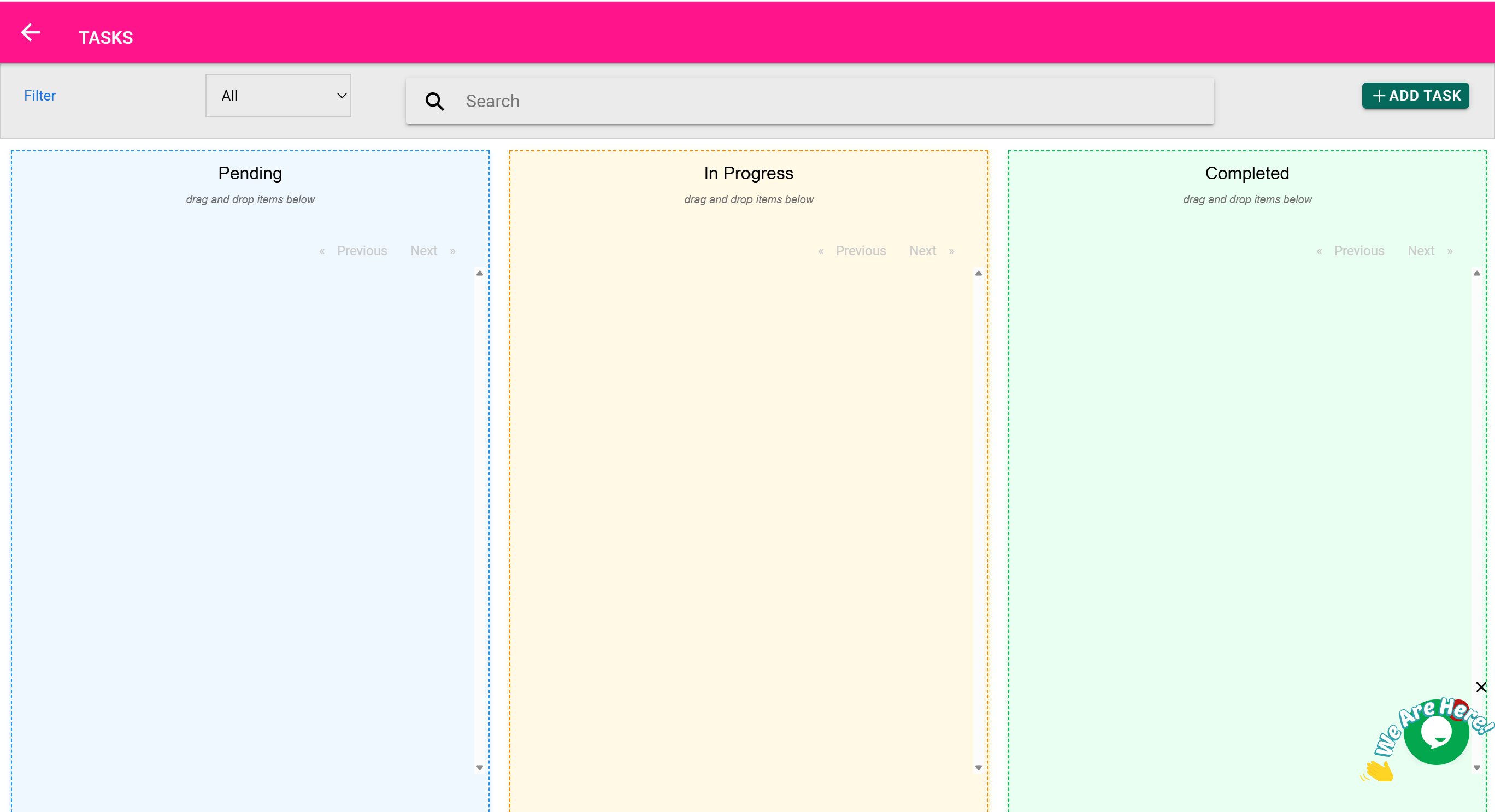
📝 Tasks Page
“Assign, track, and complete work across your team — from stock checks to follow-ups.”
🎯 Purpose of This Page
The Tasks Page is your internal productivity tool. It’s designed to help you:
- Assign work to yourself or other team members
- Monitor task status across different users and departments
- Track progress on routine operations, follow-ups, or custom activities
- Store task descriptions, target dates, and comments
- Maintain accountability within the app — no need for third-party task trackers
🛠️ Key Features of the Tasks Page
| Feature | What It Does |
|---|---|
| ➕ Add New Task | Create a new task with a title, description, and assignee |
| 👤 Assign to User | Choose who is responsible for completing the task |
| 📅 Set Due Date | Choose a target completion date (optional) |
| 🔁 Track Status | Mark tasks as Pending, Completed, or Cancelled |
| 💬 Add Notes | Include detailed instructions, internal comments, or updates |
| 🔍 Search & Filter | Filter tasks by user, due date, or status |
| 🖨️ Print/Export | Export tasks for review meetings or print weekly reports |
🔖 Task Statuses Explained
| Status | Meaning |
|---|---|
| Pending | Task has been assigned but not yet marked complete |
| Completed | Task was finished and submitted |
| Cancelled | Task was intentionally terminated or marked unnecessary |
🧠 The system shows visual indicators and lets you filter by these statuses.
🧰 Example Workflow: Assigning a Stock Check
- Go to the Tasks Page
- Click Add New Task
- Enter:
- Title: “Check expiry dates on all insulin stock”
- Assignee: “Pharmacy Officer”
- Due Date: End of the week
- Notes: “Report any expiring stock to inventory manager”
- Save
✅ Now the task appears on both the Tasks Page and in the assignee’s user dashboard.
👤 Assigning Tasks to Specific Users
Tasks can be assigned to:
- Specific users (e.g., “John Doe”)
- Roles (e.g., “All Pharmacists” or “All Lab Staff”) if supported
- Yourself (to track personal to-dos)
✅ Assigned users are responsible for updating task status once completed.
🗂️ Task Management in Practice
| Use Case | Task Example |
|---|---|
| Inventory | “Audit all surgical glove stock in Store B” |
| Maintenance | “Fix broken weighing scale in Ward 2” |
| Billing Follow-Up | “Call customer Mary K. for unpaid balance” |
| Quality Control | “Review batch numbers for paracetamol due to recall notice” |
| Admin | “Print and file last week’s purchase receipts” |
💬 Notes and Comments
Each task has a notes section, where you can:
- Add follow-up details
- Document partial progress
- Communicate with the assignee
This keeps all information in one place and avoids confusion over messaging apps or email.
📤 Exporting and Printing
- You can export task lists as CSV for meetings or compliance tracking
- You can also print daily or weekly task sheets for departments
🧠 This is especially helpful in facilities with limited computer access or when doing shift handovers.
🧠 Best Practices
- Assign a clear title and due date for every task
- Use the notes field to explain the why, not just the what
- Mark completed tasks promptly to keep dashboards clean
- Review pending tasks during weekly team reviews